Flexible app limits
Set rules by app category or for individual apps, alongside daily usage quotas and age-aware presets. Limits apply separately on each child device.
FAMILY DIGITAL SAFETY
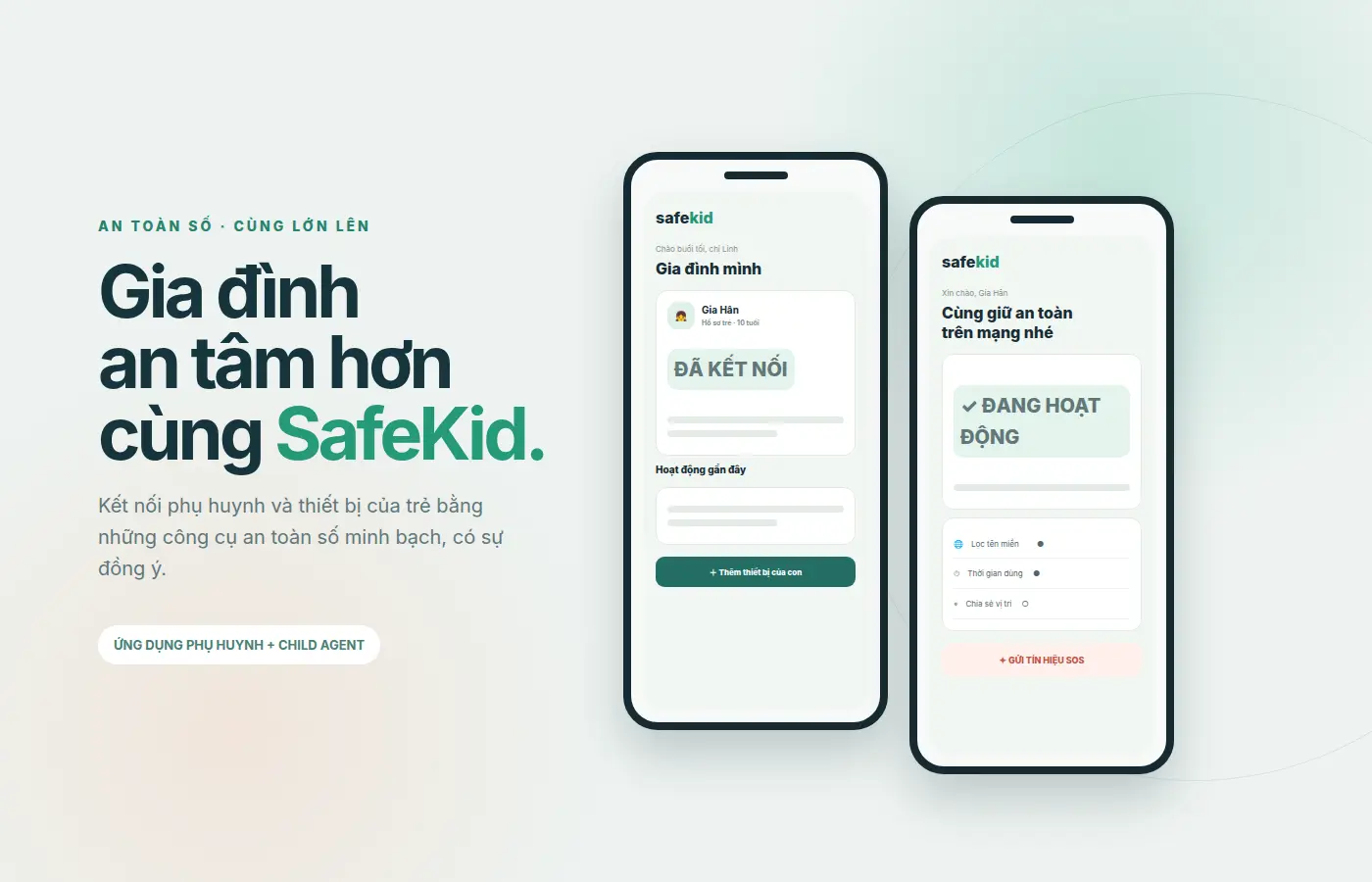
SafeKid is an in-development family digital-safety toolkit for app and screen-time limits, web-domain controls, routines, child requests for extra time, and opt-in location tools—with transparency built in.
This product is in development and expected to be released soon. Release updates will be shared here.
Coming soon to Google Play. TinySoft will update this page when the app is available.
Coming soon to the App Store. TinySoft will update this page when the app is available.
 TINY SOFT / SAFEKID
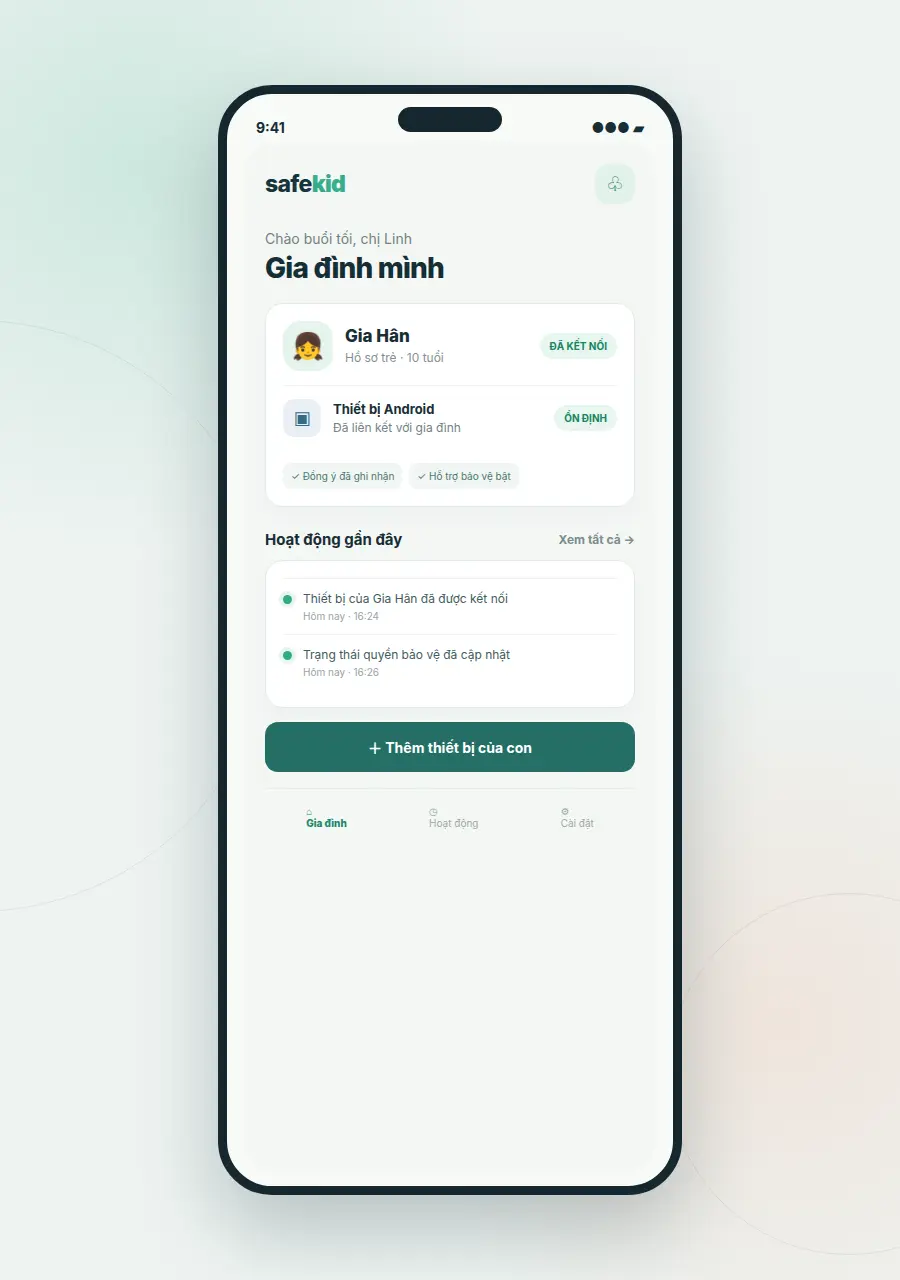
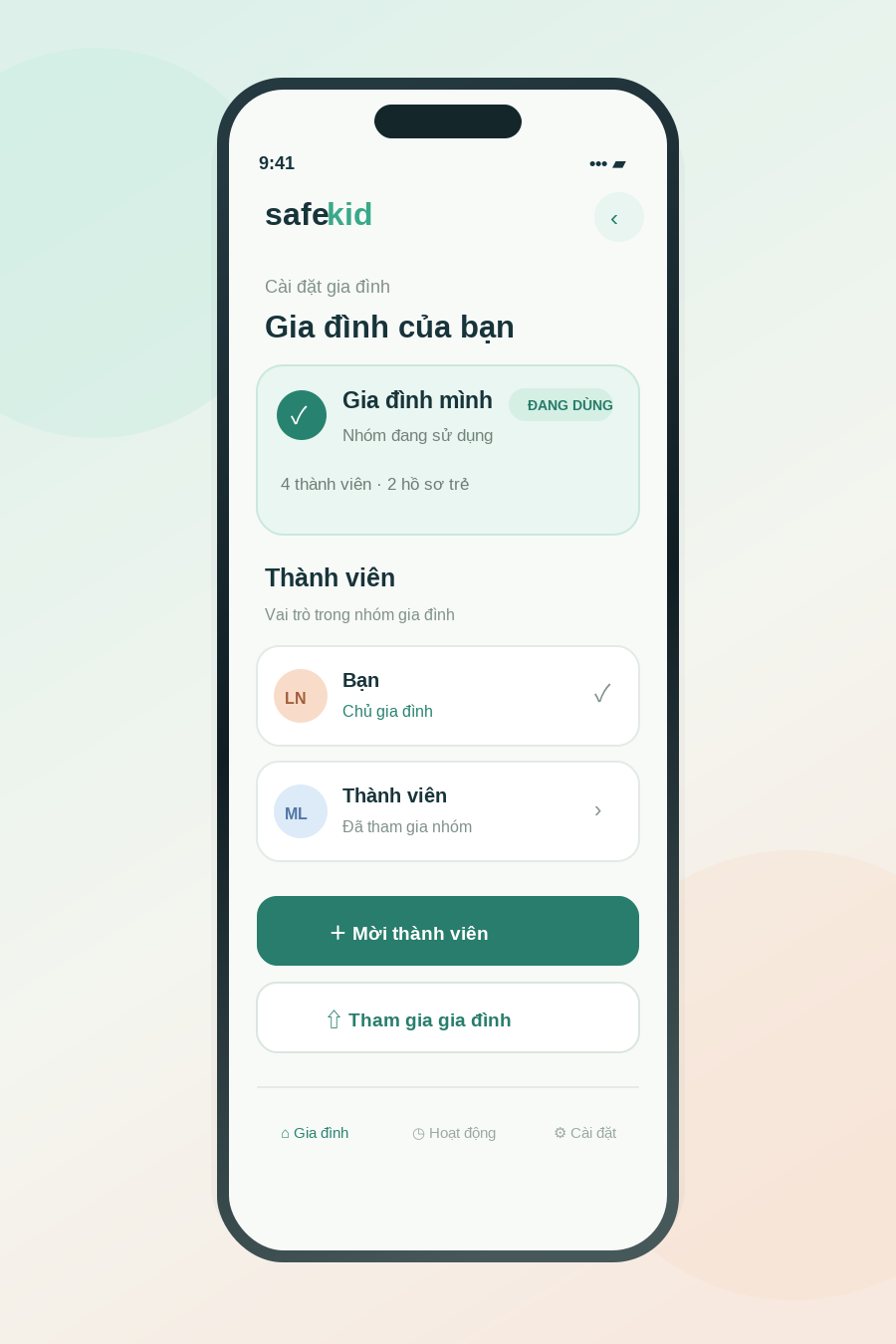
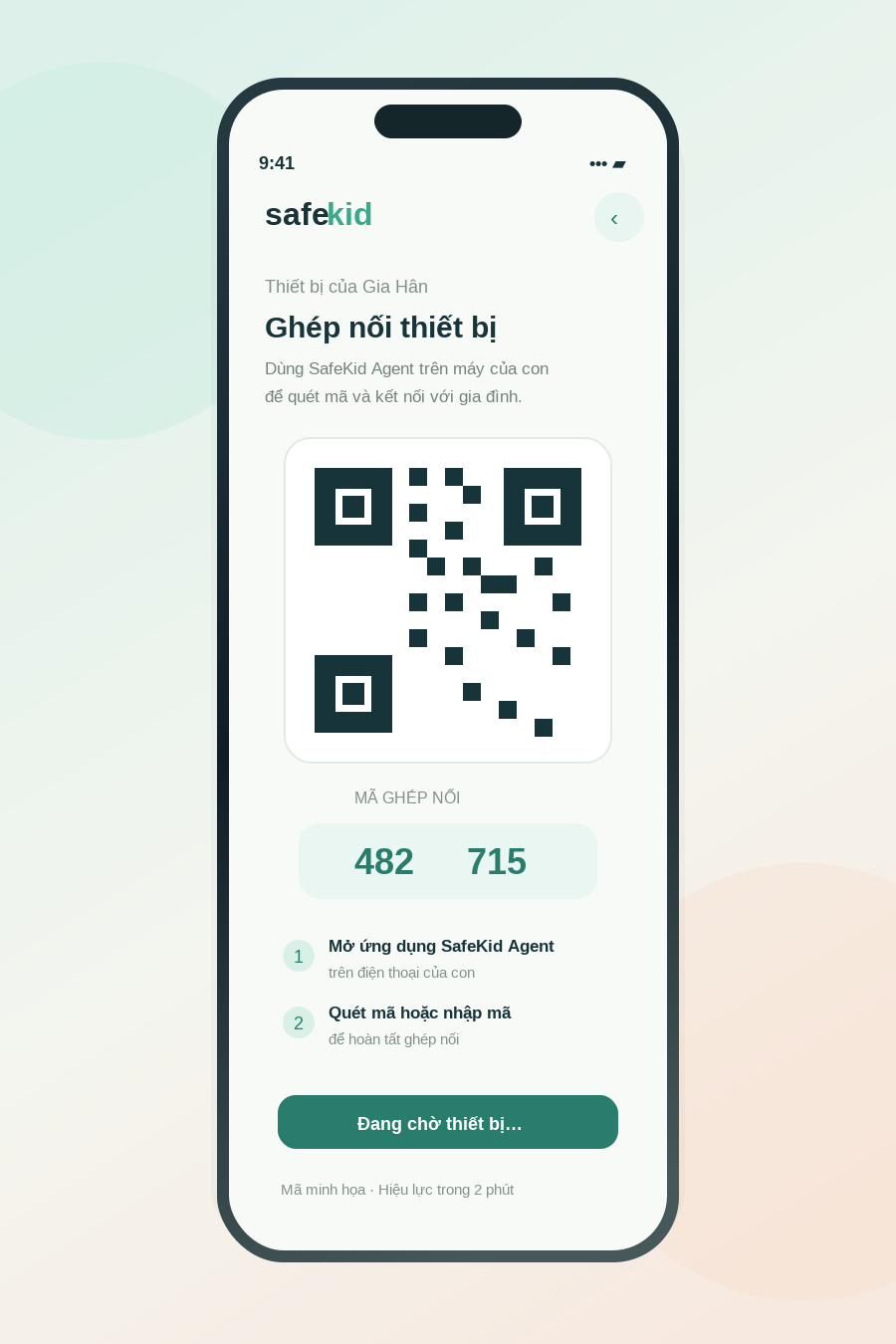
SafeKid is being developed by TinySoft to help parents and children build healthier digital habits—with clear limits, practical tools, and visible protection settings on the child’s device. The Parent app connects to SafeKid Agent on a child’s Android device. From a family profile, parents can configure rules, review usage summaries, and check permission status. SafeKid is not designed for covert monitoring.
PRODUCT DETAILS
Building a safer digital environment together as a family.
Set rules by app category or for individual apps, alongside daily usage quotas and age-aware presets. Limits apply separately on each child device.
Configure rest periods, bedtime schedules, and screen-time limits to make room for focus, sleep, and offline activities.
A child can request more time, and a parent can review and approve or decline the request—turning a limit into a conversation.
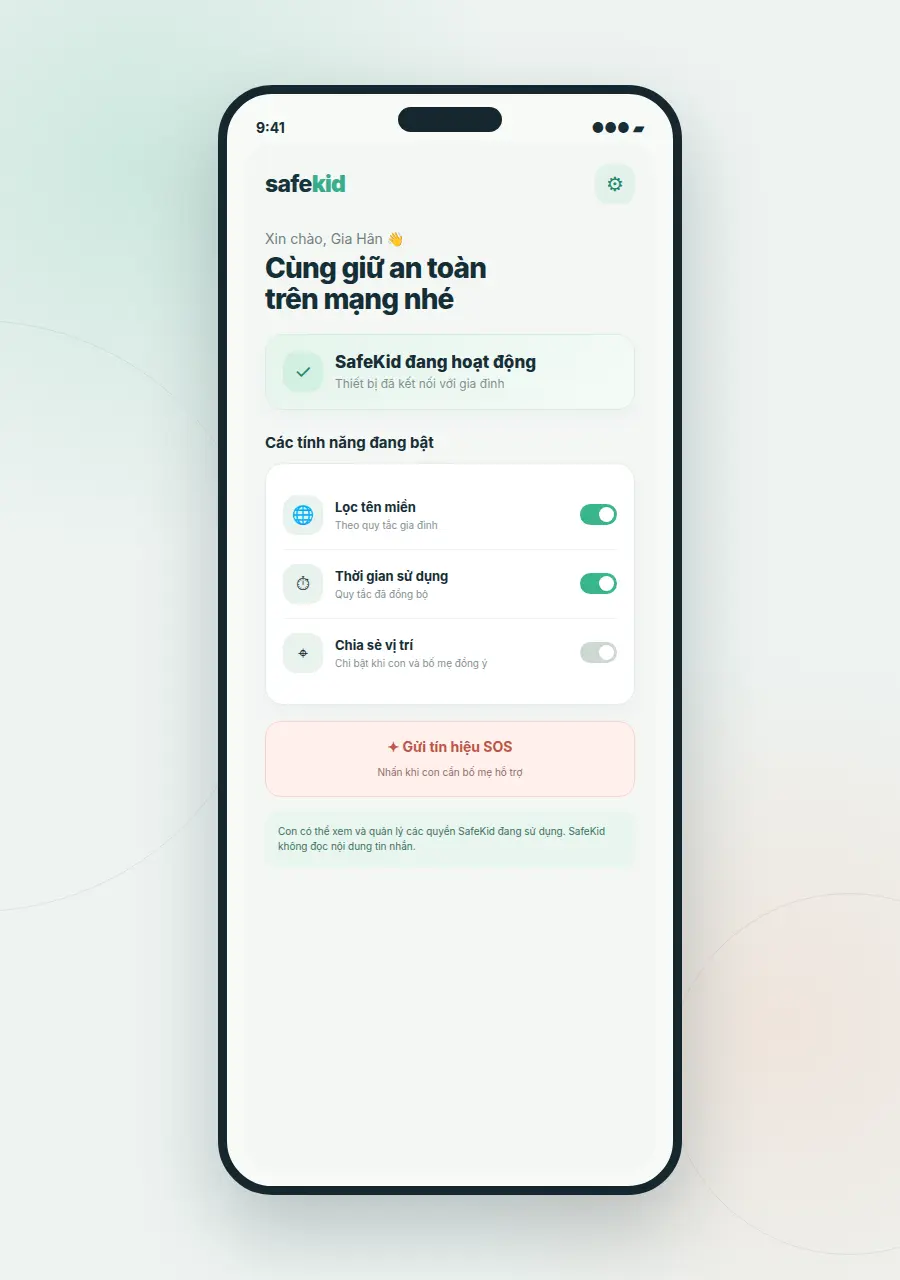
Manage allowed or restricted domains and selected content categories. DNS filtering is still being refined; SafeKid cannot guarantee every route or type of online content will be blocked.
With location sharing enabled and required permissions granted, parents can review recent location data, set zones, and receive transition alerts. Accuracy and background updates depend on the device, connection, and permissions.
A child can deliberately confirm an alert to a parent. SOS is not an automatic phone call; delivery depends on notification permissions, connectivity, and service availability.
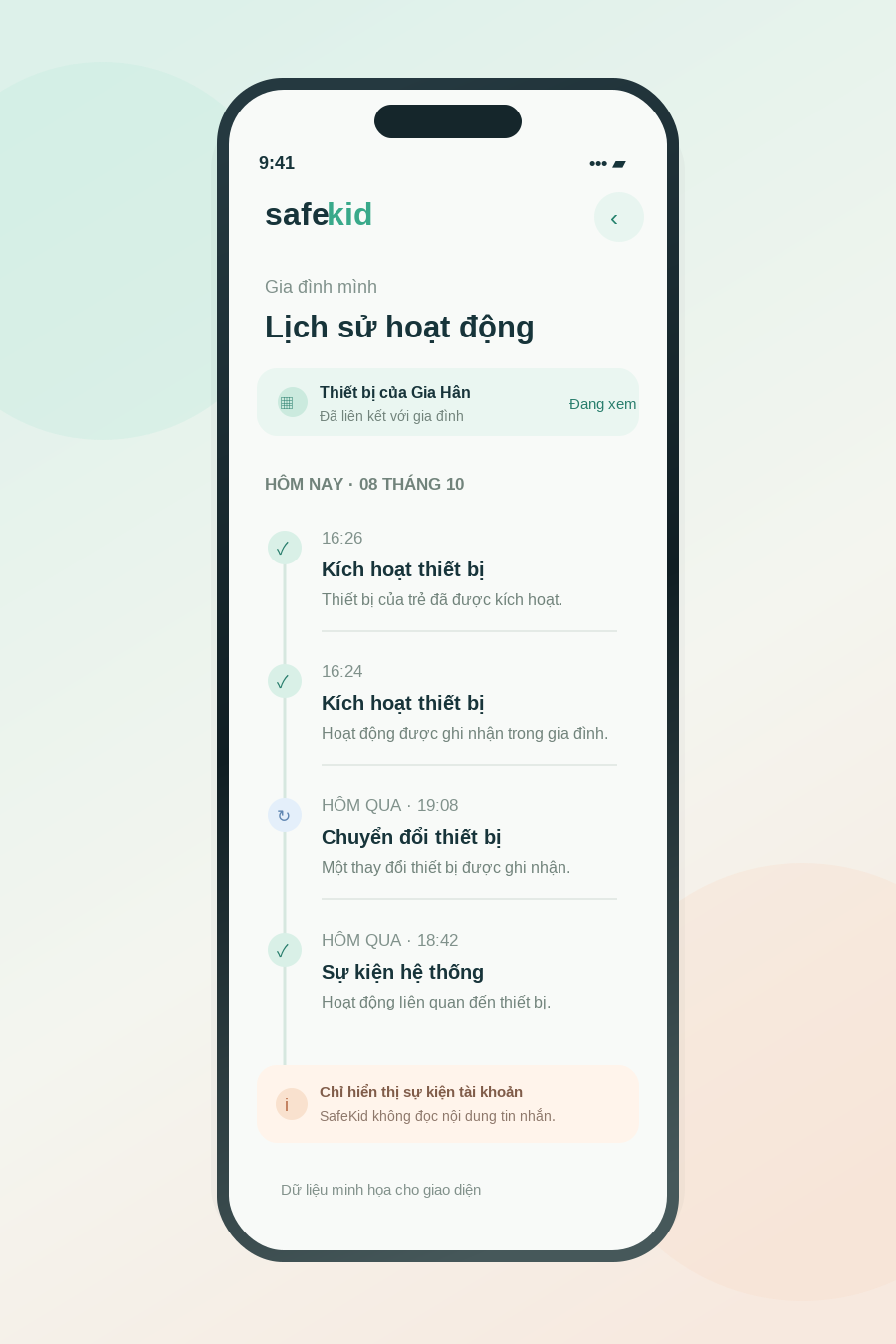
Review screen-time totals by app and device so parents and children can discuss habits using a shared picture of device use.
Location and notification permissions are explained, enabled separately, and can be revoked. Notification summaries target usage metadata by app; message content is not read.
SafeKid focuses on explainable limits, parent-child collaboration, and visible protection controls. It is being developed with a Parent app for caregivers and an Android Agent for the child’s device. Features that rely on background access or connectivity remain subject to operating-system and device limitations.
HAVE AN IDEA OF YOUR OWN?